Try Twitch — Channel kit: avatar, banner, emotes, badges and panels now, no sign-up needed
Twitch — Channel kit: avatar, banner, emotes, badges and panels · Your whole channel decked out, at the sizes Twitch accepts
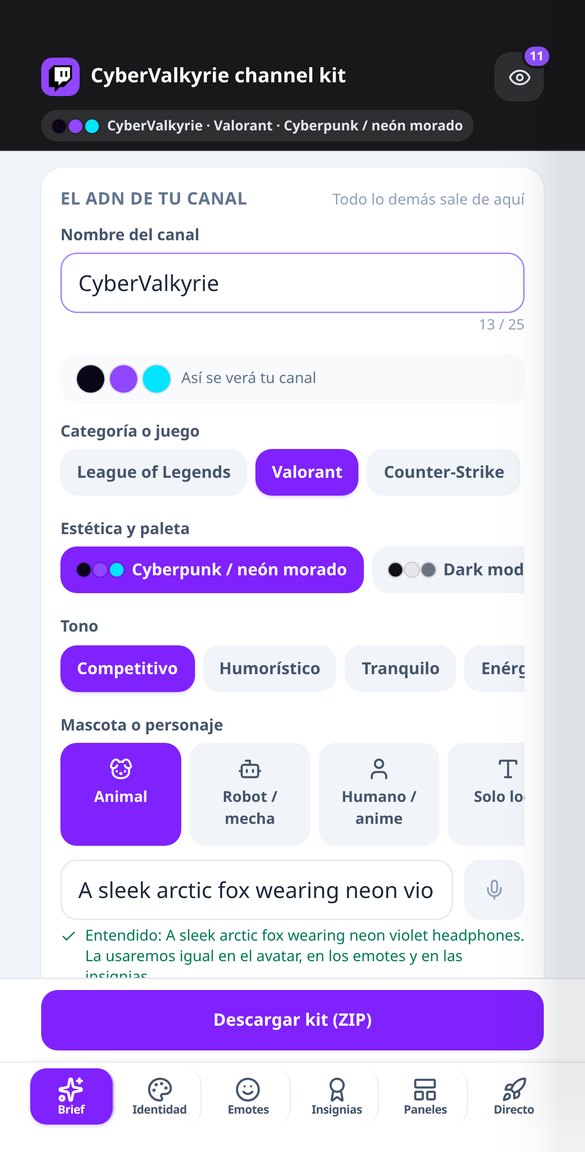
Describe your channel once —name, game, look, tone, and mascot— and walk out with the avatar, banner, offline screen, live screens, emotes in all three sizes, badges under 25 KB, and your panel copy, ready to upload.
In the features that use AI, responses are generated by artificial intelligence and are not a substitute for professional advice.

Já apagaram um post seu sem nunca dizer por quê?
Acontece o tempo todo e quase sempre pelo mesmo motivo: o automoderador de cada comunidade aplica regras que aquele subreddit escreveu do seu jeito — um prefixo obrigatório no título, um tempo mínimo de conta, um karma mínimo, uma proporção máxima de autopromoção, uma lista de domínios vetados, os encurtadores de links — e a remoção é silenciosa, então você fica sem saber o que fez de errado. Aqui a abordagem é a oposta: você cola as regras da comunidade exatamente como estão publicadas, declara os requisitos, e o motor determinístico passa seu rascunho por 30 verificações sobre os 10 padrões que mais causam remoções e devolve um semáforo com três severidades e o motivo concreto de cada aviso. O cálculo é feito no seu navegador, então é instantâneo, grátis e não precisa de conta. Há duas coisas que este app não faz e vale dizer em voz alta: não se conecta ao Reddit — as requisições anônimas à API dele retornam 403 a partir de um servidor, verificamos isso em 29 de outubro de 2026, então as regras são coladas por você — e não promete alcance nem votos. Promete duas coisas verificáveis: dizer qual regra você está violando e entregar as peças na medida que essas peças precisam ter.
See the tools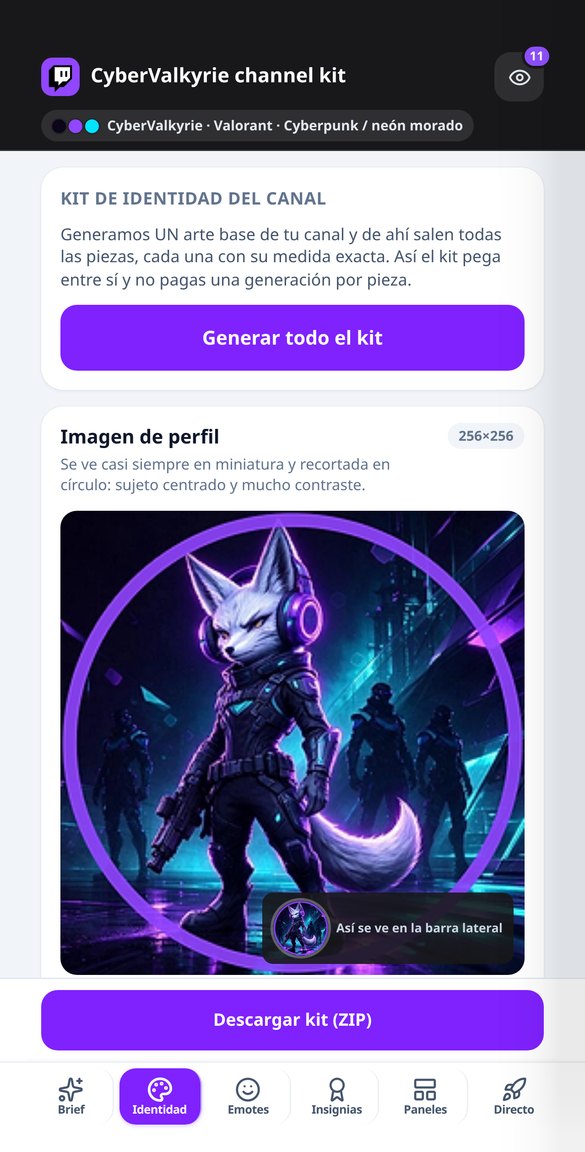
Discover every feature in detail
Twitch Banner 1200x480: Template with Safe Zone and Visible Text
Create your exact 1200x480 Twitch profile banner, with your name in real typography within the safe zone and desktop and mobile masks that show what covers the avatar and buttons. Free and no installation required.
Try it free
Twitch Offline Screen 1920x1080: Schedule and Social Media Included
Create your Twitch offline video image at an exact 1920x1080, with the title in your channel's language, your schedule and social media in real typography, and the player controls mask in the preview. Free and no account connection required.
Try it free
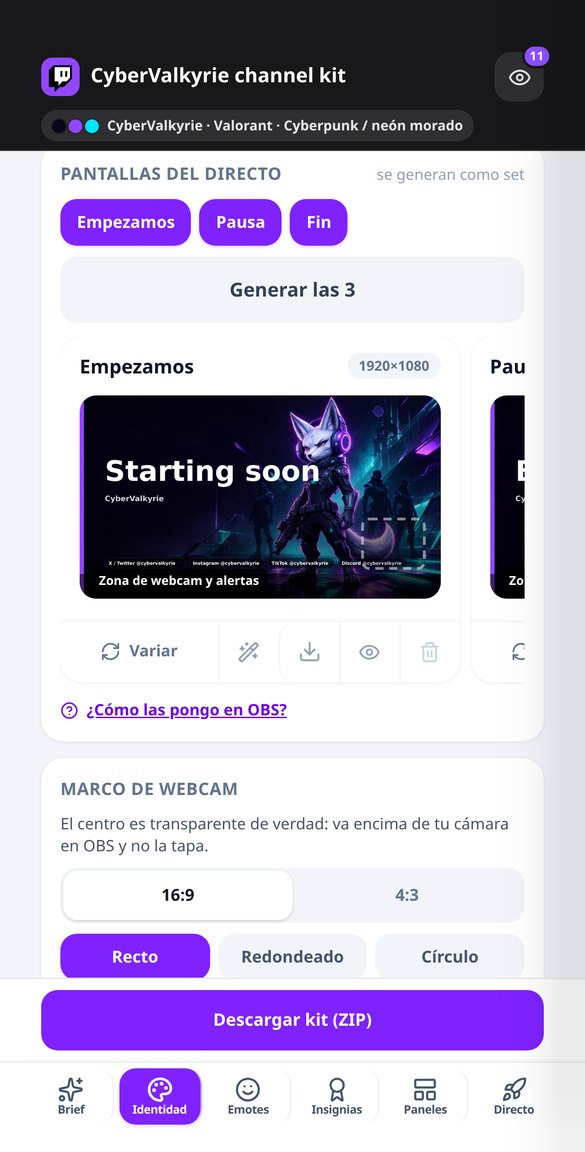
Screens for OBS: Starting Soon, Pause, and End at 1920x1080
Generate the set of three live stream screens for Twitch at exactly 1920x1080: Starting Soon, Pause, and End, with the same background, title in your channel’s language, designated webcam and alerts areas, and a 4-step guide for OBS. Free and without connecting your account.
Try it free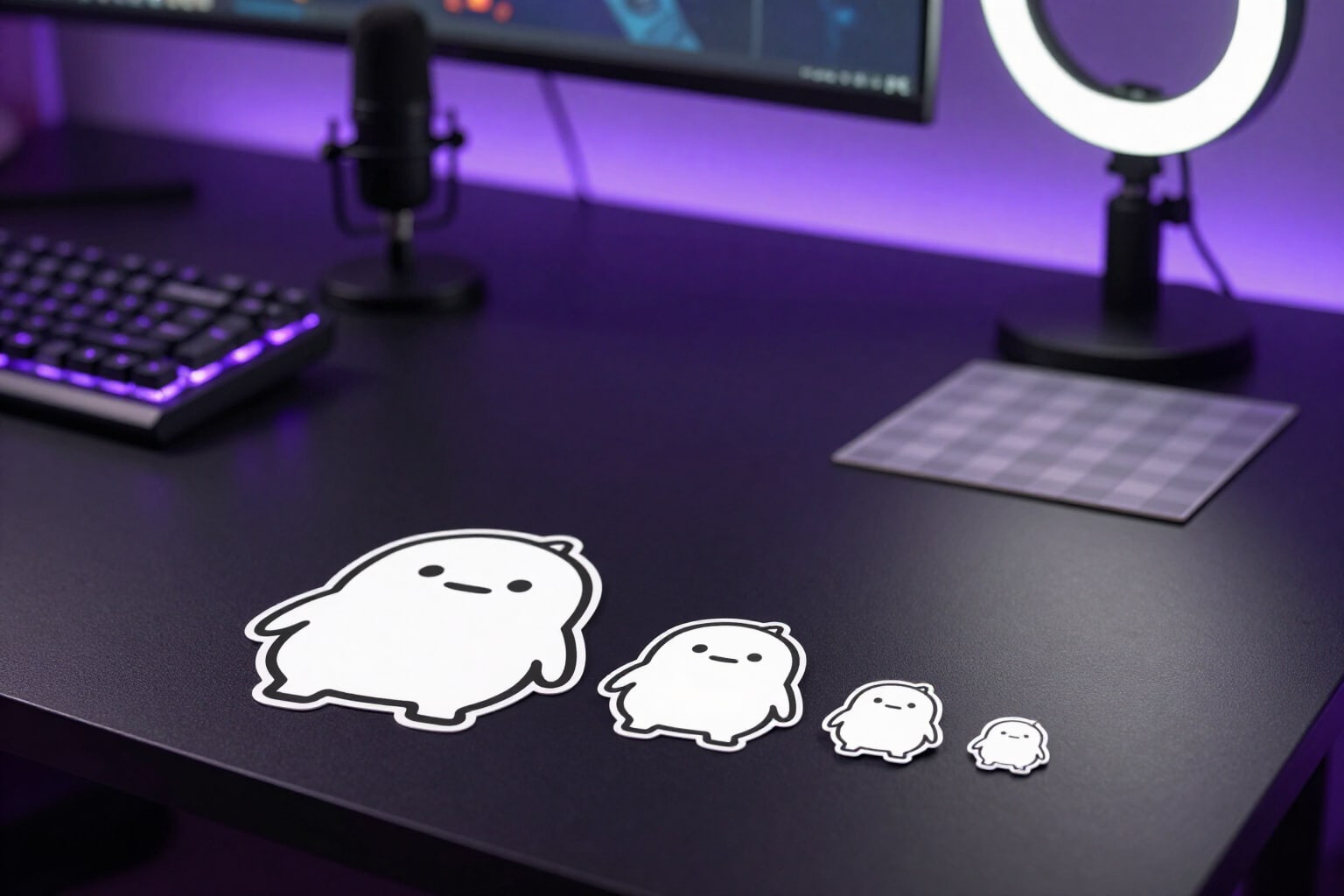
Twitch Emotes 112, 56, and 28 px with transparent background
Generate Twitch emotes and download the three PNGs required by the platform: 112, 56, and 28 px with true transparency, without white fringe, with stepped downscaling, and legibility control at 28 px.
Try it free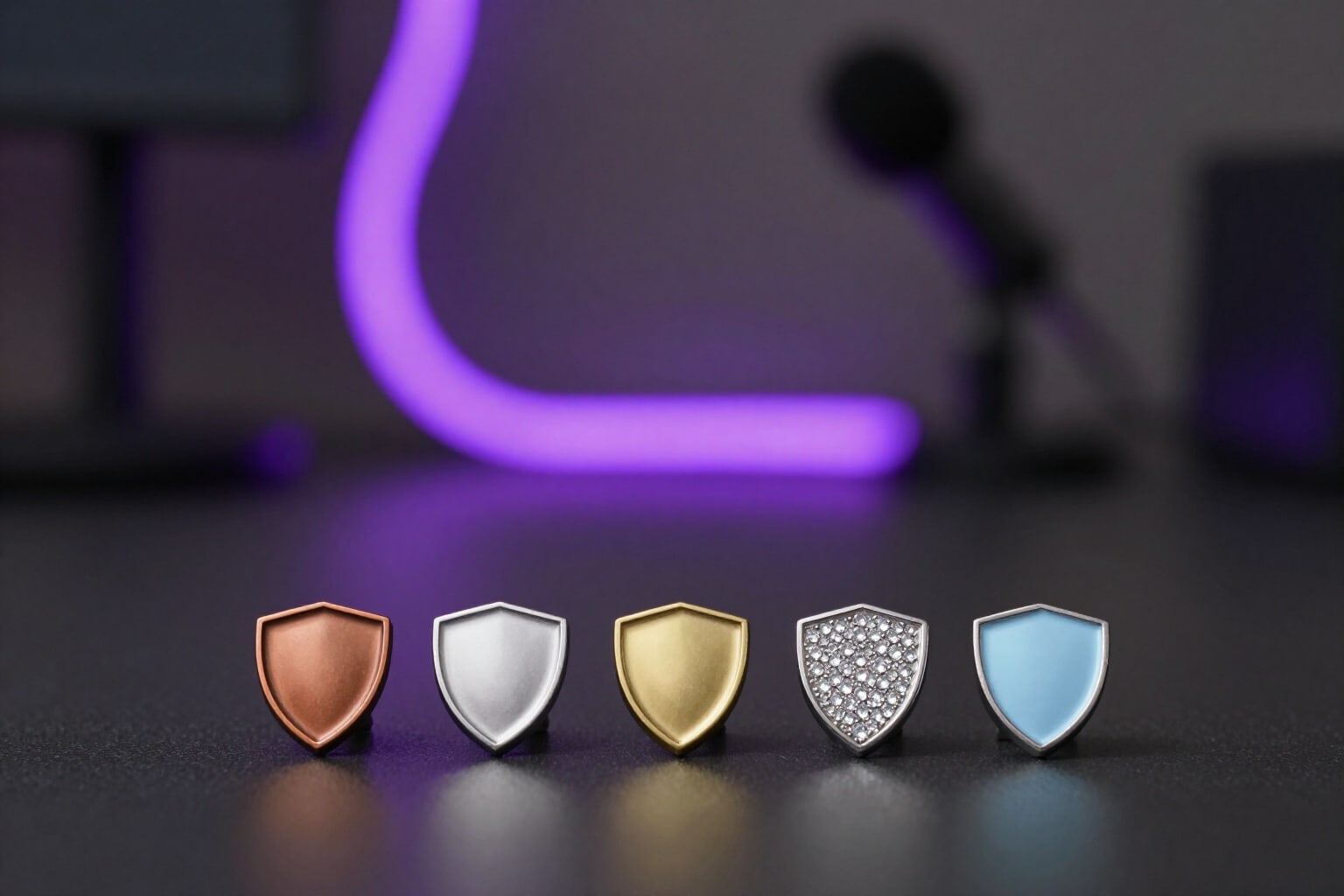
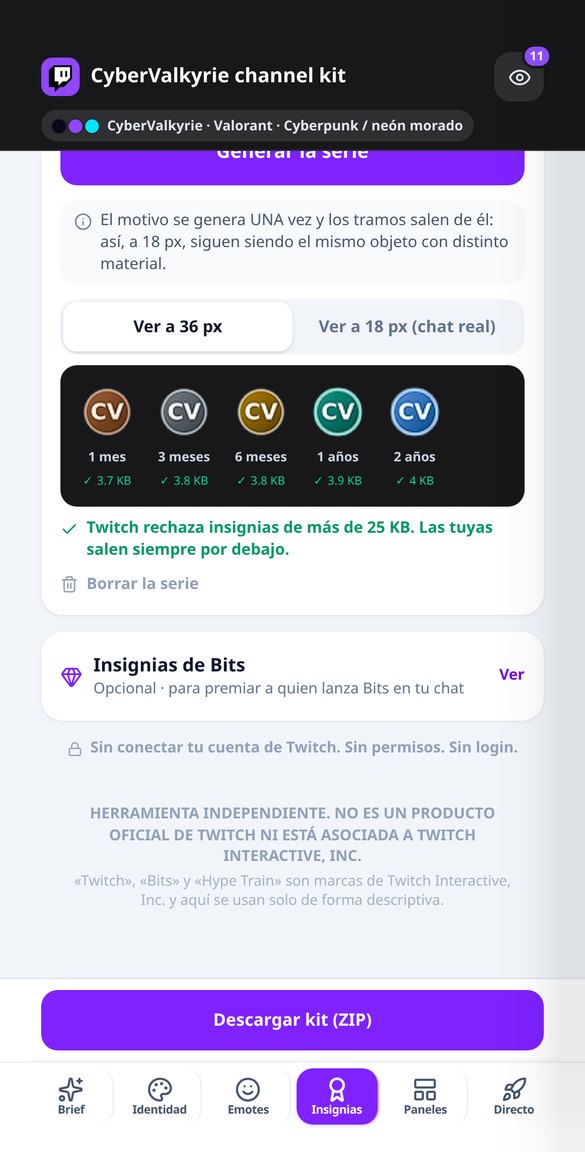
Twitch Subscriber Badges by Month (72, 36, and 18 px)
Create the complete series of Twitch sub badges: 1, 3, 6, 12, and 24 months from a single motif, in 72, 36, and 18 px, under 25 KB, and with a warning if two tiers look alike at 18 px.
Try it free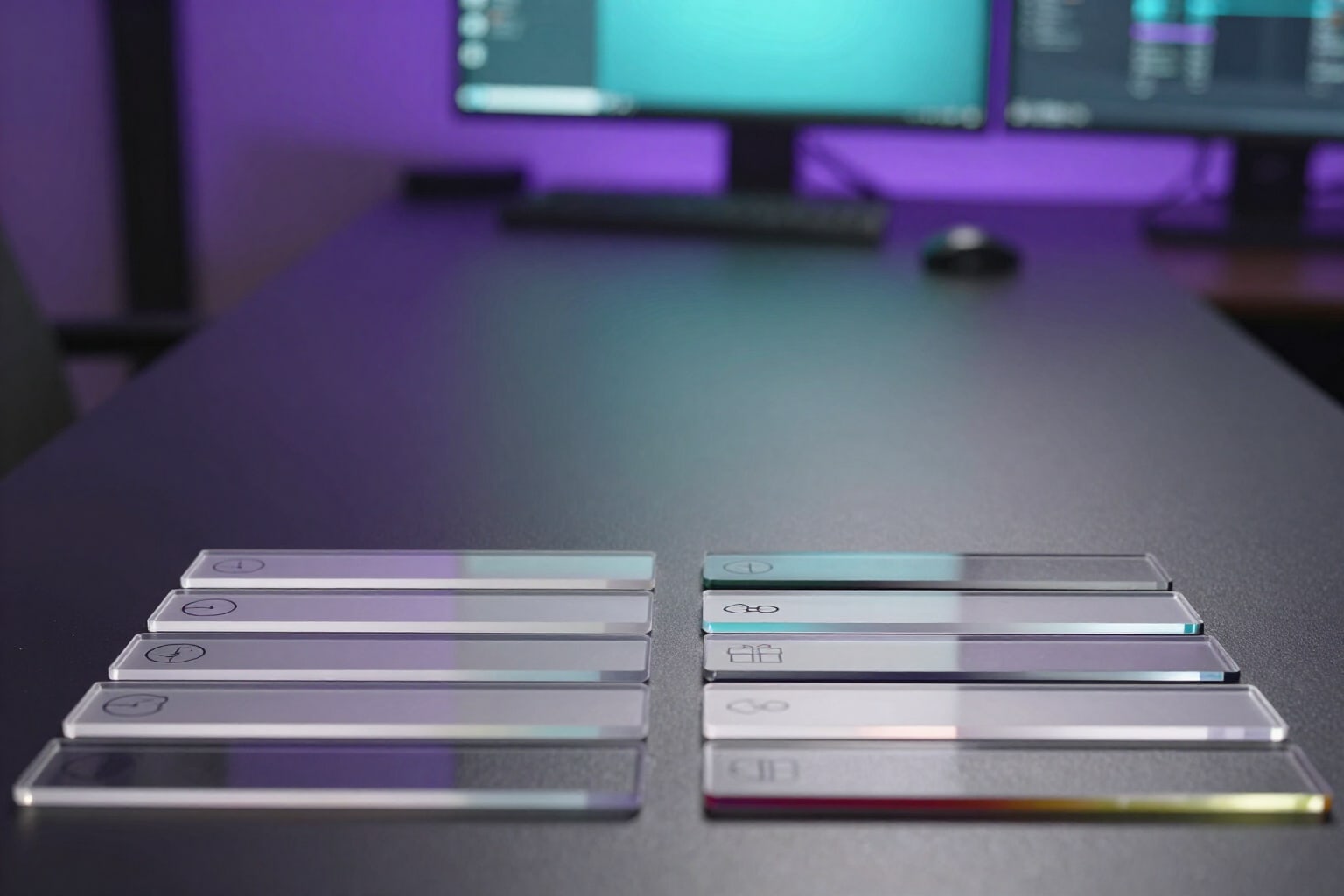
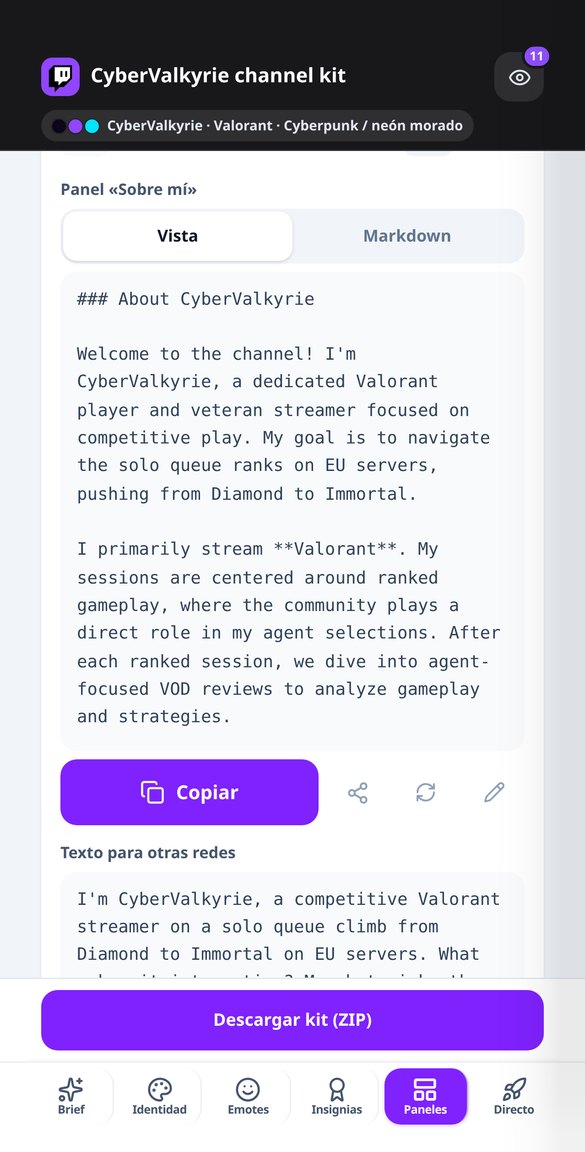
Twitch Panel Headers at Exact 320 px (with @2x)
Generate your Twitch panel headers at exact 320 × 100 px: one pictogram per panel, lettering in your channel's language, your color palette, and the @2x version. Free and without using AI quota.
Try it free
Twitch Chat Rules: Short List and Panels with Consequences
Generate your Twitch channel’s chat rules: 5 one-line rules for the chat notice and 8-10 for the panels, including notice, timeout, and ban, in your chosen tone and channel language. Free.
Try it free
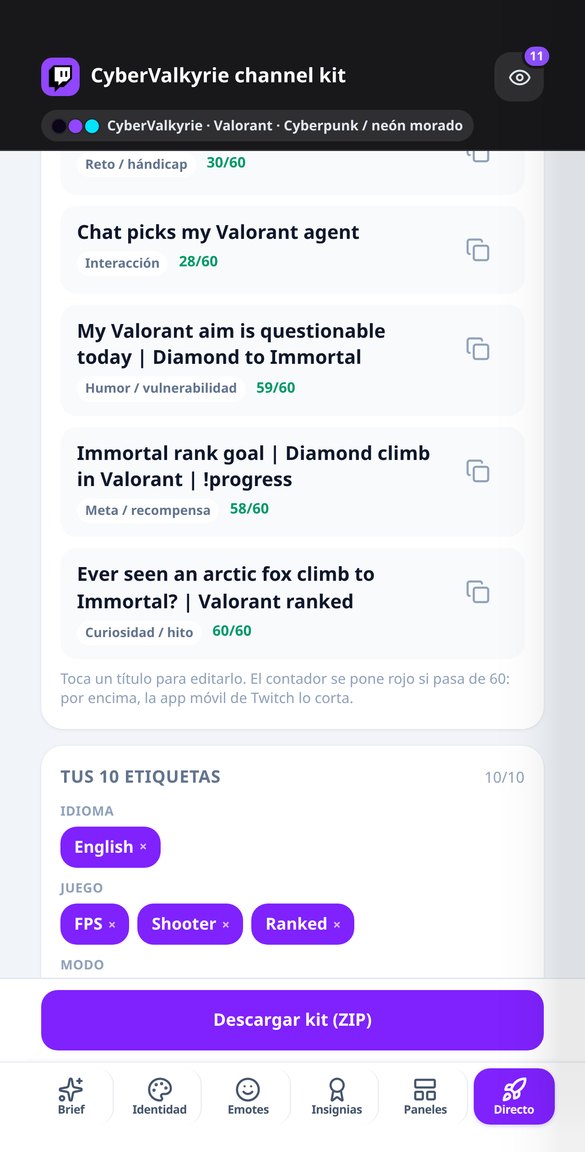
Twitch Stream Title Generator (Max 60 Characters)
Get five titles for your Twitch stream, one for each hook formula, with a 60-character counter so mobile devices don’t truncate them. Edit and copy them. Free and no account connection needed.
Try it free
Twitch Bot Commands: Exact Nightbot Line and More
Generate your Twitch channel's commands with the ready-to-paste line: !addcom for Nightbot, !command add for StreamElements, or !addcmd for Moobot, with the correct uptime, game, and followage variables. Free.
Try it freeEvery piece at its exact size — and actually measured
O revisor e o semáforo de autopromoção são aritmética e regras: são calculados na hora no seu navegador, funcionam sem conta e não custam nada. A IA só entra onde agrega valor, que é reescrever e ler regras em prosa.
The whole channel dressed, not a single loose piece
Avatar 256x256, profile banner 1200x480, offline screen 1920x1080, the three live screens —Starting Soon, BRB, and Ending—, webcam frame with a genuinely transparent center in 16:9 and 4:3, panel headers at 320 px (with a 2x version for high-density screens), VOD thumbnail 1280x720, and vertical 1080x1920 assets for clips. The preview overlays Twitch UI masks, so you see what the floating avatar, the follow button, or the mobile crop covers up.
Emotes and badges in all three sizes
Each emote comes out at 112, 56, and 28 px with clean alpha, and you see it at a true 28 px next to the large one and inside a chat line in dark and light mode, which is where you find out a black outline disappears. There are four themed packs with 22 reactions and whatever in-jokes you write. Subscriber badges (seven tiers, 1 to 24 months) and Bits badges (eight tiers, 1 to 100,000) come out at 72, 36, and 18 px, derived from the same motif so they're recognizable at 18 px, and always under 25,600 bytes: if a tier won't come down, it gets marked as an error instead of handing you a file Twitch will reject.
Your channel copy, not just the artwork
Three bio variants and the About Me panel, the chat rules (short five-rule version and long version with escalation from warning to timeout to ban), panel copy in the markdown Twitch actually supports — with a linter that strips HTML and fixes broken links —, five stream titles under 60 characters, ten tags spread across five axes, the schedule with its four outputs, commands with the exact add line for Nightbot, StreamElements, or Moobot, alert copy with StreamElements or Streamlabs variables, fifteen quick moderation replies in a friendly but firm tone, and the AutoMod sheet with its four filters. All in your channel's language, which doesn't have to be yours.
Three steps and your channel is dressed
Cole as regras
Você copia as regras do subreddit exatamente como estão publicadas e declara os requisitos: prefixo do título, etiquetas, karma e tempo mínimo de conta, domínios vetados e proporção de autopromoção. Se você vem apenas pelas medidas ou pelo recortador, pode ir direto: não são necessárias nem regras nem conta.
Escreva seu rascunho
O semáforo é atualizado enquanto você escreve, no seu navegador e sem custo, com o motivo de cada aviso. Seu rascunho fica salvo no seu próprio computador por 30 dias: você pode fechar e voltar sem que nada seja salvo no nosso servidor.
Corrija, copie ou baixe
Você resolve os avisos um a um, ou deixa que o Post Doctor mostre a regra violada, três títulos e o corpo reescrito. Se você está montando uma comunidade, leva o ZIP com as peças medidas, os textos e o YAML do AutoModerator. Publicar no Reddit é você quem faz, colando: nós não mexemos na sua conta.
Frequently Asked Questions
Your channel decked out this afternoon, not this month
O revisor e as medidas são grátis e não exigem registro. Comece pelo rascunho que você já tem pela metade.