Try Google Maps — AI for your Google Business Profile listing now, no sign-up needed
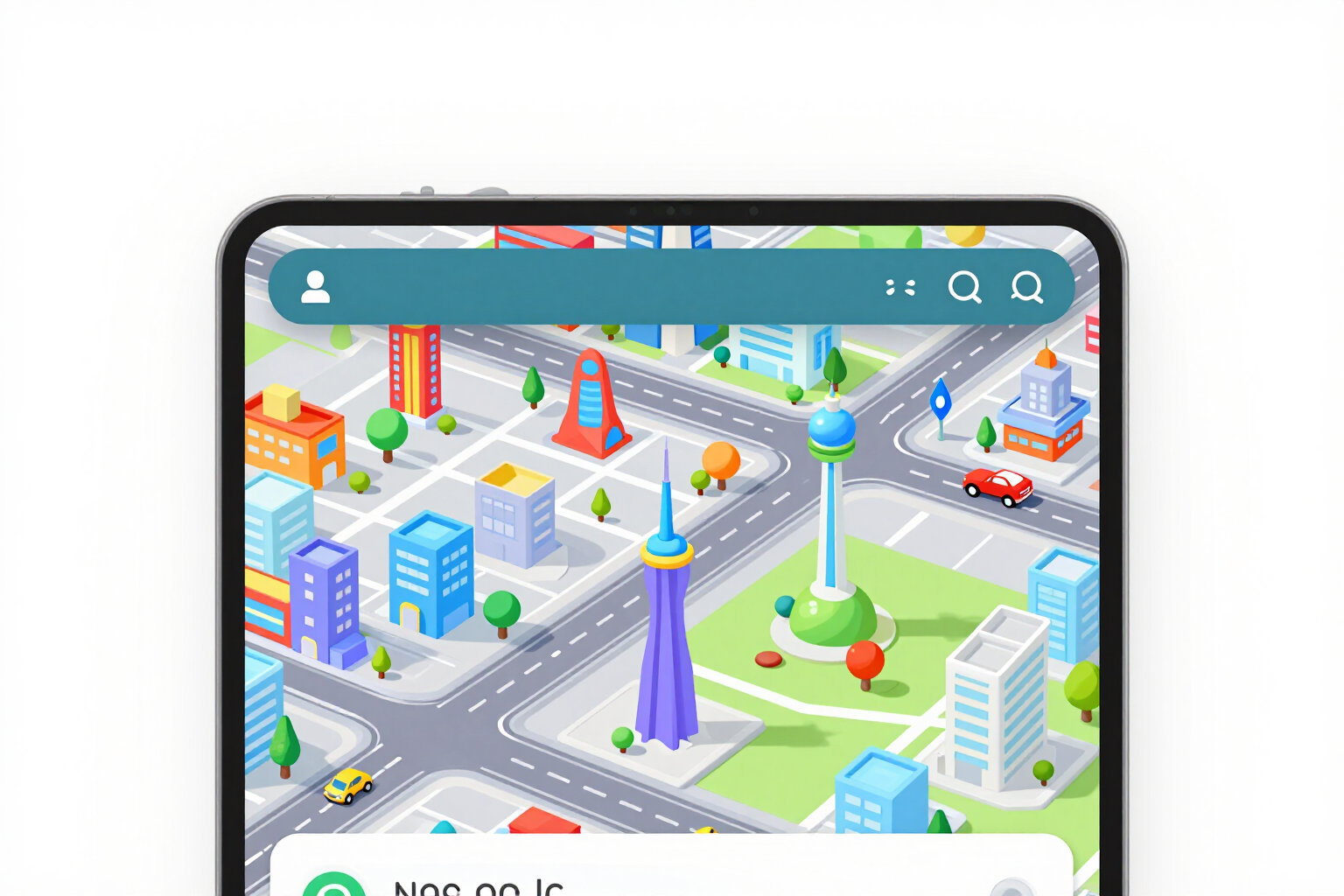
Google Maps — AI for your Google Business Profile listing · Reply to reviews and keep your profile up to date
For local business owners and for whoever manages the profile: paste the review and get three replies ready to publish, along with the description, services, questions and photo sizes that Google accepts. You copy and paste; the app does not log into your account.
In the features that use AI, responses are generated by artificial intelligence and are not a substitute for professional advice.
15 GB 免費空間用完了,照片還帶著位置資訊、看不懂的檔名和錯誤的日期?
這是四個老問題,沒有一個能在 Google Photos 內解決:與 Drive 和 Gmail 共用的儲存空間會用完、每張照片都帶著拍攝地點與手機型號、像 IMG_20240713_184522 這類檔名讓搜尋變得不可能,而用 Google Takeout 下載的內容則會顯示為下載當天的日期。這個迷你應用程式站在前後兩端:上傳一批照片,依技術上正確的順序串接五種工具:精簡、隱私、裁切、重新命名與 PDF 相簿,然後下載含節省報告的 ZIP。一切都由伺服器使用 sharp 完成:每個檔案在交付前都會重新讀取並量測,如果移除 GPS 後仍有任何痕跡,該照片會標記為失敗,而不是算作成功交給您。沒有 OAuth、沒有 Google Photos API,也不存取您的相簿:即使想看,我們也無法讀取或更動您的帳號。而且不會留存任何內容:原始檔案與下載內容兩小時後到期,若按下「立即刪除我的檔案」則更早。
See the tools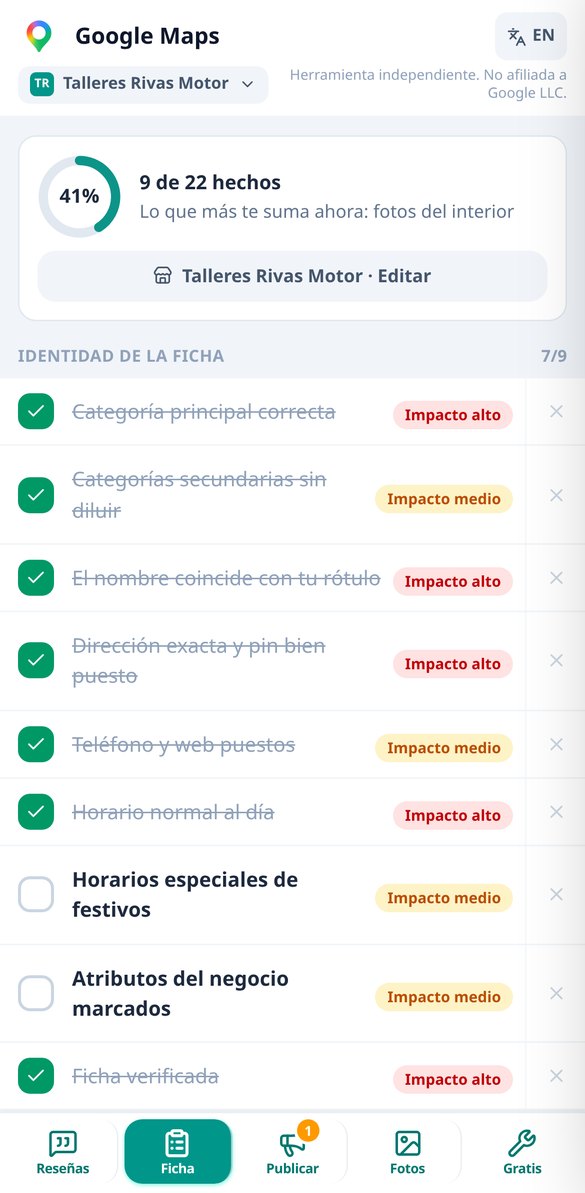
Discover every feature in detail
Google Review Response Generator: 3 free responses without registration
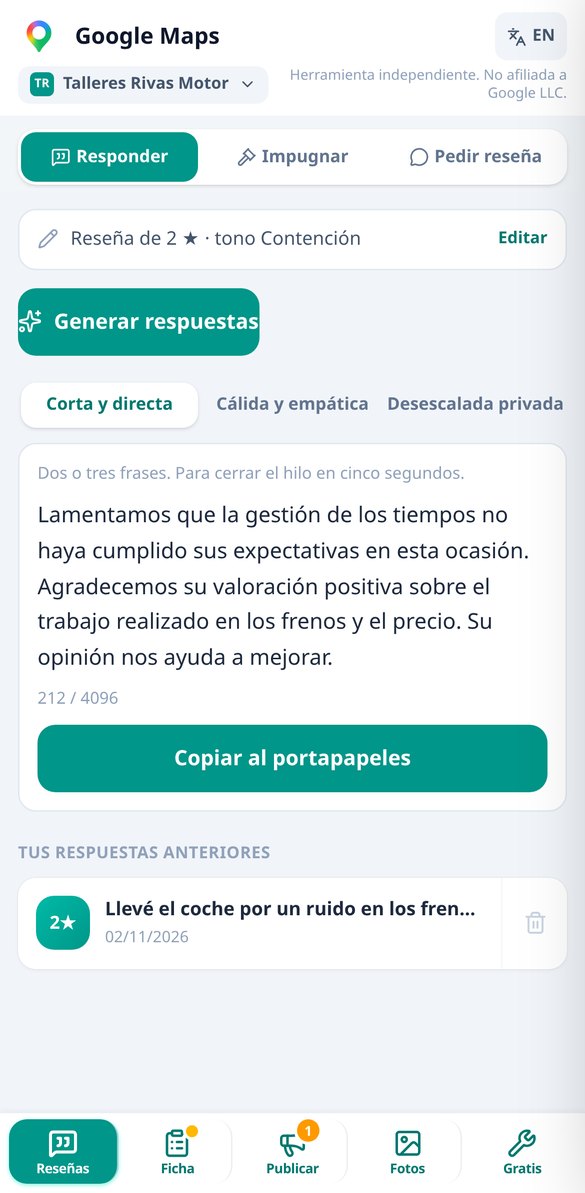
Paste a Google review and get three ready-to-publish responses: short, empathetic, and private resolution. With a tone of your choice, response in the customer's language, and a validator that avoids admitting fault, offering money, or asking for deletion. First response without registration.
Try it free
How to respond to a 1 star review without comment (2 free responses)
One-star review without text on your Google listing: generates two ready-to-publish responses, crafted for future clients. With a switch for 'yes, it's my client', without accusing of falsehood and without requesting deletion. First generation without registration.
Try it free
Contest a False Google Review: Formal Claim Generator
Paste the fake review, choose the reason —conflict of interest, off-topic, or harassment— and get the formal claim for Google's appeal form, with the guideline cited by its name and the list of evidence.
Try it free
Google Business Profile Categories: free main category finder
Find your Google Business Profile category by typing as you speak: 122 local business categories, instant filtering with accents and synonyms, amber warning if secondary categories are from a different sector, and risk alert when changing sectors. Free and no registration required.
Try it free
Description for Google Business Profile: free generator of 750 characters
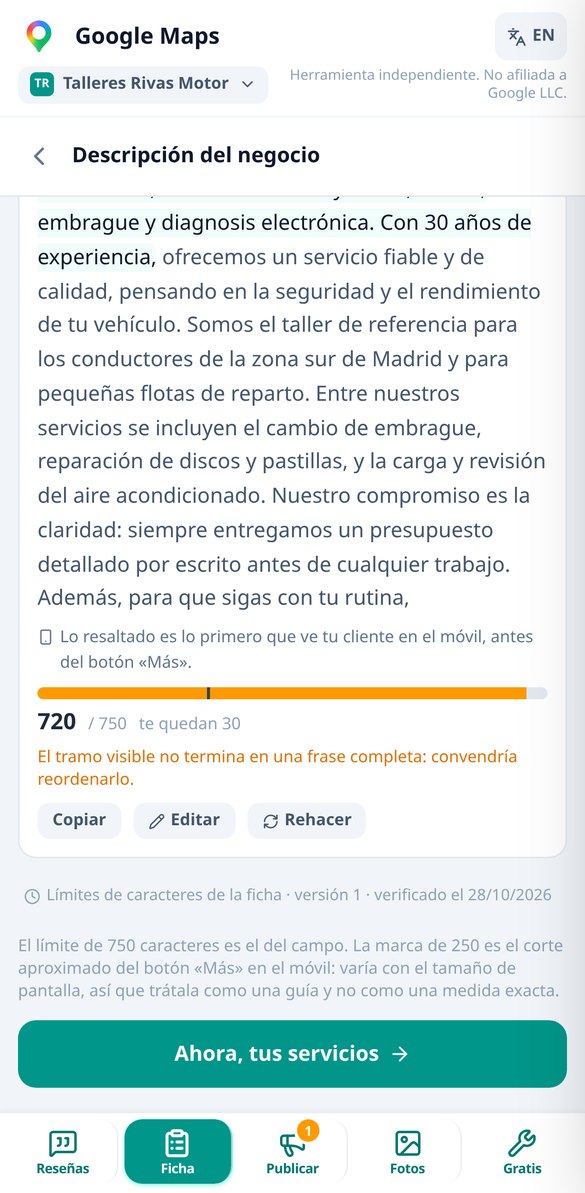
Generate three descriptions for your Google listing within the 750-character limit, with the first 250 —the only part visible on mobile before 'More'— highlighted, live counter, and a checker that removes links, prices, and position promises.
Try it free
Can my Google listing be suspended? Free risk checker
Mark the changes you plan to make to your Google listing and check before editing if the risk of suspension is extreme, high, or low, with the probable consequence and a plan that spaces the changes 72 hours. Free and no registration.
Try it free
Why Google rejects my post: free validator before publishing
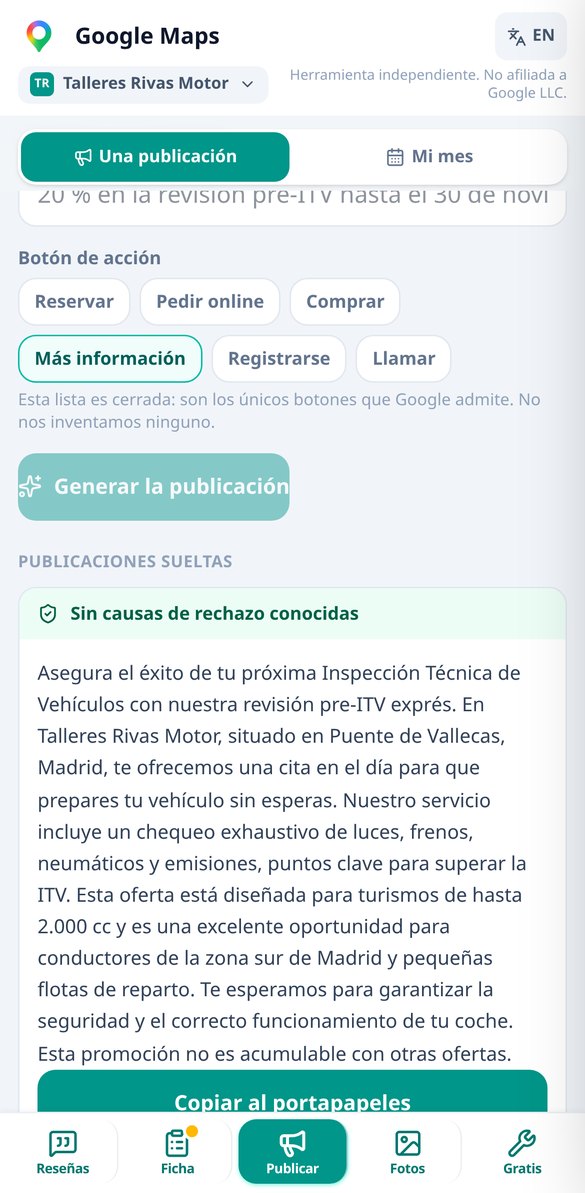
Paste the text of your Google Business Profile post and check for free if it contains any of the known rejection reasons: phone in the body, shortened links, excessive capitalization, too many emojis, or prohibited promises. With automatic fixing and no registration.
Try it free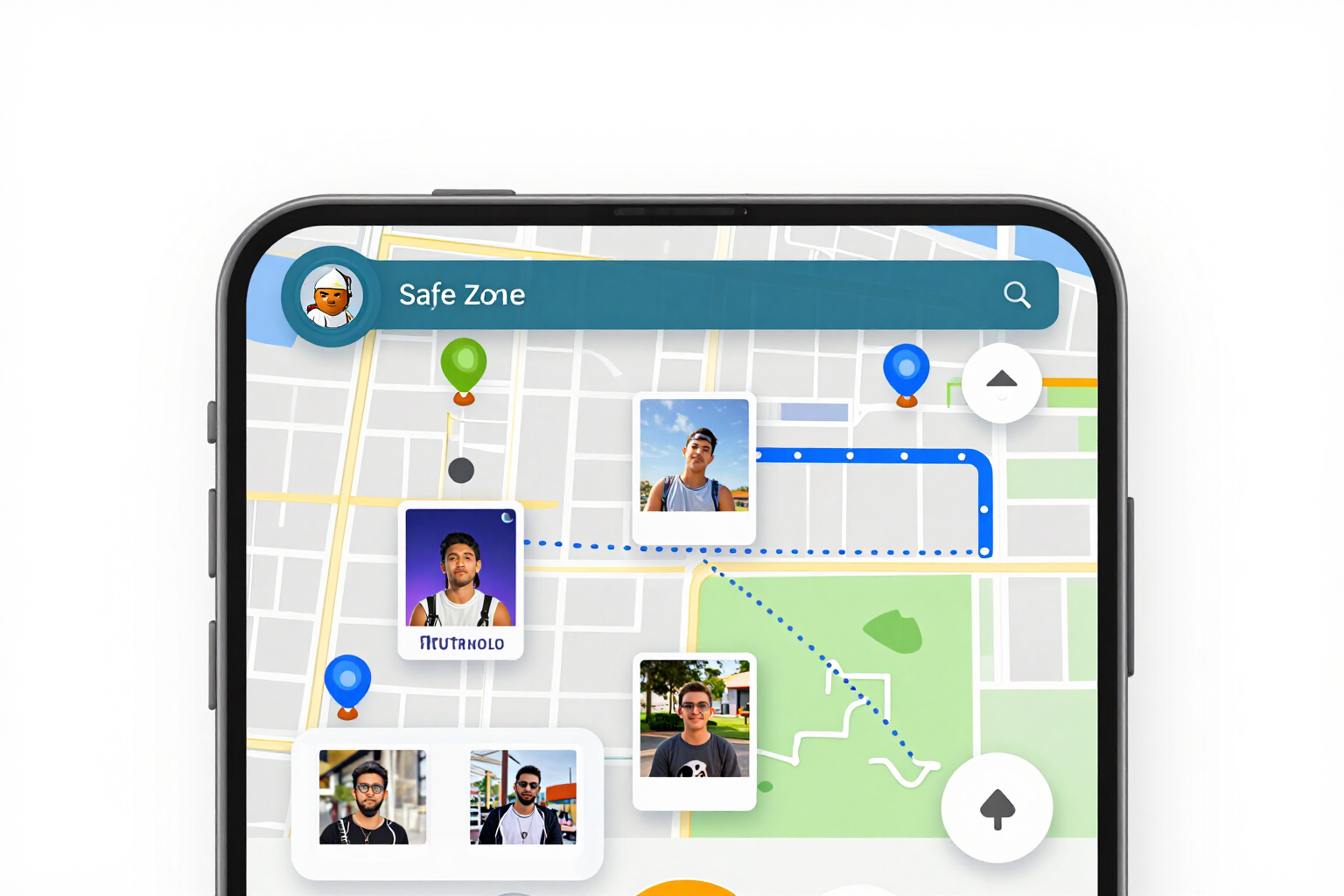
Safe zone and photo dimensions for Google Business: frame before uploading
Frame your Google Business Profile photo with the marked safe zone and see live how it crops on mobile, in the carousel, and on the cover. Dimensions per slot, missing pixel alerts, and metadata removed. Free, no registration, and no photo upload.
Try it free
Remove EXIF metadata and GPS location from a photo before uploading it to Google
Prepare the photo for your Google Business Profile on mobile: crop to the photo slot, recommended dimensions, weight below the limit, and EXIF and GPS metadata removed. Before/after comparison and download without registration.
Try it freeWhat you write by hand every week, solved
精簡、隱私、裁切、AI 重新命名與 PDF 相簿,可在一次處理中組合完成,處理順序由伺服器決定,以確保結果正確。專為手機單手操作設計:不需帳號即可使用,免費批次最多 10 張照片。
Three replies per review, with the bilingual mirror
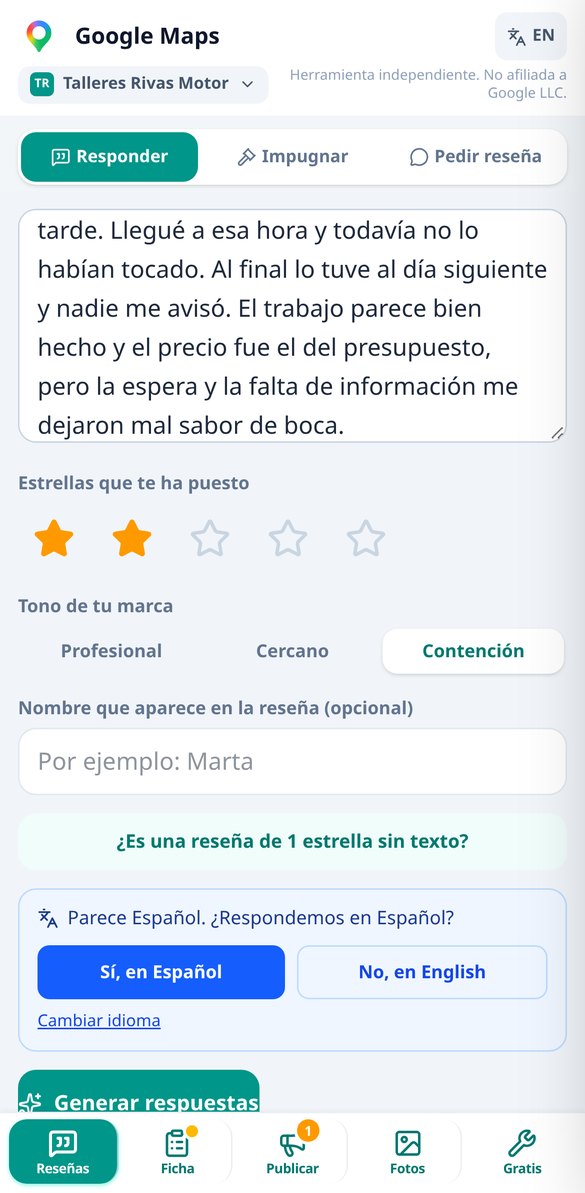
Short, empathetic and privately resolved, each with its own character counter and copy button. It includes the “1 star with no text” mode, that rating without a comment that Google does not remove: here the reply is not written for the person who rated you, but for the next customer who reads your profile, and two variants are provided. If the review comes in another language, you reply in the customer's language and see the translation into your language before publishing. It never admits fault, never offers money and never asks for the review to be deleted: that's in the prompt and validated on the server.

The entire profile, in order of impact
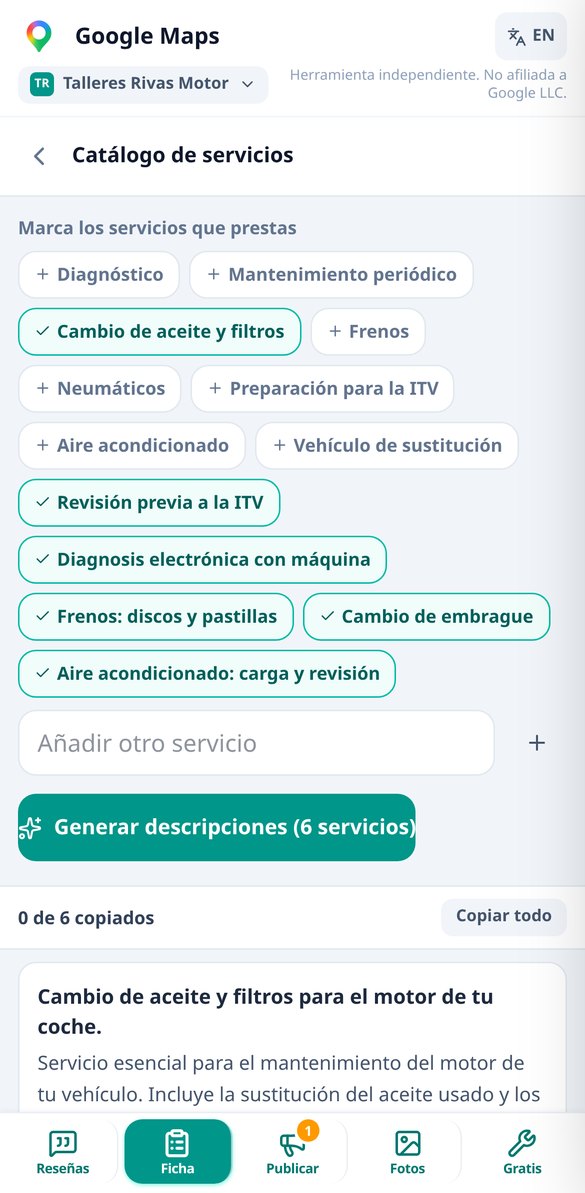
A 25-point checklist that works as a map, ordered by impact: primary and secondary categories chosen from the official catalog — never invented —, three description variants with the 250-character mark, which is the only thing visible on mobile before “More”, a service catalog card by card within its 300 characters, five questions with answers that you seed yourself, posts with the 6 call-to-action buttons that Google allows and a plan for 4 or 8 posts per month. Each tool returns to the checklist, so you don't get lost between screens.

Free tools that don't use AI
Search tool over 122 official categories, character counter for 9 different fields with the real cutoff mark for each one, a traffic light that classifies 12 typical profile changes before you make them — putting keywords in the name is the fast track to suspension — and gives you the order to make them in, with the 72-hour rule. The shield checks 13 known causes of a post being rejected (phone number in the text, shortened links, triple exclamation marks) and lets you fix or ignore them one by one. Framing with a safe zone and photo preparation — correct sizes and metadata removed — happen on your own phone, so the photo never leaves it. And the index of the 7 myths that don't work even if someone sells them to you, starting with geotagging photos. No sign-up and no limit.
From review to reply in three steps
上傳照片
在瀏覽器中開啟,不需安裝任何東西,也不需註冊。從相簿選擇照片或直接拖曳:支援 JPEG、PNG 與 iPhone 的 HEIC,會自動轉換,讓它們在任何地方都能顯示。
選擇要做什麼
工具已預設合理選項:精簡檔案與移除位置。如有需要,可加入社群或公分尺寸列印的裁切、AI 命名或 PDF 相簿。處理前會先顯示即將執行內容的摘要。
下載並上傳到 Google Photos
處理期間可查看每張照片的狀態。完成後下載含節省報告的 ZIP(若已重新命名,還有命名 CSV),PDF 則另外提供;在手機上可直接分享。我們也用三個步驟說明如何重新上傳,又不會讓 Google 重複儲存您的相簿。
Frequently Asked Questions
Latest blog articles
Guides and news to get more out of it

Google has removed the Q&A from your listing: now an AI responds (and reads what you write)
Google removed Q&A from listings and now Ask Maps responds with AI: what is lost and which fields to correct this week.

How to Ask for Google Reviews in 2026 Without Getting Them Deleted: What is Now Prohibited
Since April 2026, Google prohibits tablets in-store, mentioning employees, incentives, and review gating. How to properly ask for reviews.
Answer that review before your next customer reads it
不需帳號即可用 10 張照片的批次試用。註冊後可擴大批次、使用 AI 重新命名,並儲存您的設定供下次使用。